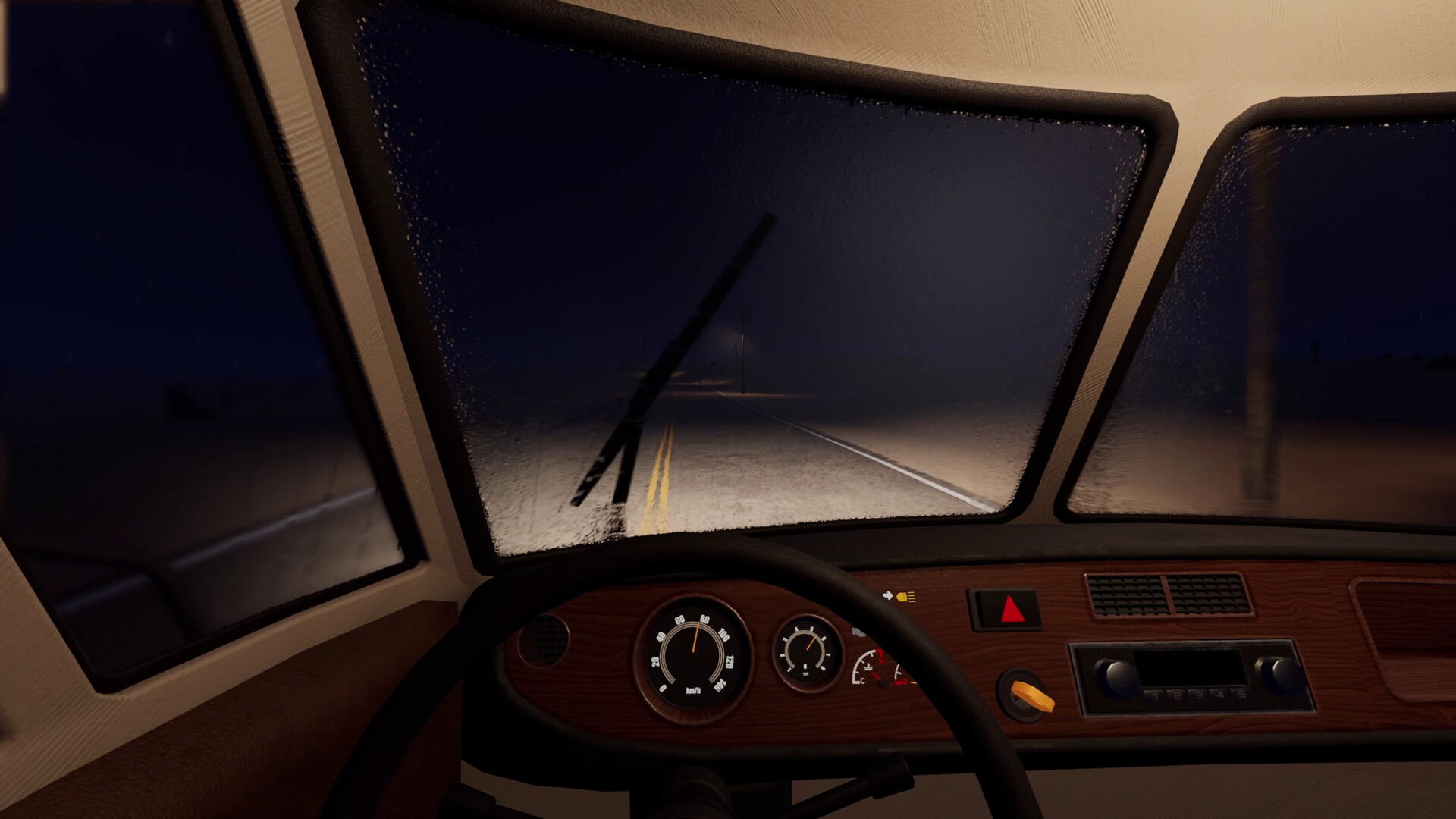
Get Music Playing in Your RV
Install the Radio in your RV’s dashboard radio slot and insert a soundtrack cassette; music plays when the vehicle battery has charge. Turn the radio’s dials to adjust the volume.
What You Need for Music
- A Radio: the starting house supplies one. Take it to the RV and use the dashboard’s dedicated radio slot.
- A soundtrack cassette: look for tapes along the road or in common chests. Installing the Radio without a cassette gives you static rather than music.
- A working vehicle battery: the radio needs the RV’s battery to have charge. A flat battery can leave an installed radio silent even when you have a tape.
Install the Radio and Start Playback
- Fit the Radio into the dashboard’s radio slot. This installs it in the position it needs for playback.
- Insert a soundtrack cassette into the radio’s deck. With a charged vehicle battery fitted, the cassette provides the music.
- Turn the radio’s dials to set the playback volume. Adjust it to a comfortable level once the cassette is playing.
Change the Music by Swapping Cassettes
The radio plays one cassette at a time. To change the music, eject the current cassette and replace it with another tape. Keep the tapes you want to hear again within easy reach so swapping them is less of a chore.
Fix Static, “No Cassette,” or Silence
- Static with “No cassette”: the deck has no tape inserted. Insert a soundtrack cassette to give the radio music to play.
- Silence with a cassette inserted: check the volume dials, then check that the vehicle battery still has charge. Work through those checks before replacing the Radio.
- A flat vehicle battery: use a Charger on the RV’s battery or replace it with a working vehicle battery. Driving does not recharge the battery, so running the engine is not a charging solution.
The radio needs a working battery, but playing music does not drain its charge. Headlights, cabin lights and wipers drain the battery while switched on. Turn those off when you do not need them to help preserve the charge that keeps your radio working.
Where to Find More Tapes
Look for soundtrack cassettes as you explore along the road, and check common chests for additional tapes. Both can supply cassettes, so keep searching roadside stops if you have installed the Radio but still have nothing to put in its deck.
Cassette distribution uses a set of 13 tapes for each direction from the start. Once all 13 have appeared, the set starts over, so repeats are possible. Finding another cassette therefore does not always mean finding different music.
Early Access and the Older Demo
The older demo let you fit the radio but left it silent. Early Access supports soundtrack cassette playback, so older advice that the radio does nothing describes different behavior. In Early Access, check the dashboard installation, cassette, volume and vehicle battery when music will not play.